
css property
`font-smooth` CSS property
The font-smooth CSS property controls the application of anti-aliasing when fonts are rendered.
Syntax
/* Keyword values */
font-smooth: auto;
font-smooth: never;
font-smooth: always;

/* <length> value */
font-smooth: 2em;

/* Global values */
font-smooth: inherit;
font-smooth: initial;
font-smooth: revert;
font-smooth: revert-layer;
font-smooth: unset;
[!NOTE] WebKit implements a similar property, but with different values:
-webkit-font-smoothing. It only works on macOS.
auto- Let the browser decide (Uses subpixel anti-aliasing when available; this is the default)none- Turn font smoothing off; display text with jagged sharp edges.antialiased- Smooth the font on the level of the pixel, as opposed to the subpixel. Switching from subpixel rendering to anti-aliasing for light text on dark backgrounds makes it look lighter.subpixel-antialiased- On most non-retina displays, this will give the sharpest text.
[!NOTE] Firefox implements a similar property, but with different values:
-moz-osx-font-smoothing. It only works on macOS.
auto- Allow the browser to select an optimization for font smoothing, typicallygrayscale.grayscale- Render text with grayscale anti-aliasing, as opposed to the subpixel. Switching from subpixel rendering to anti-aliasing for light text on dark backgrounds makes it look lighter.
Formal definition
Formal syntax
font-smooth = auto | never | always | <absolute-size> | <length>
Examples
Basic usage example
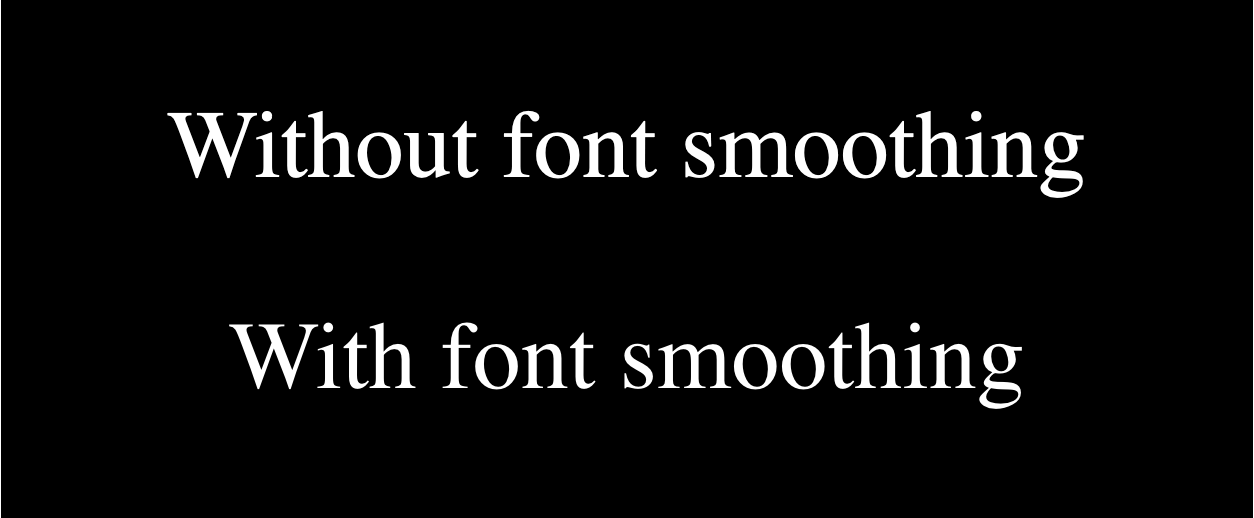
The following example shows the Safari/Chromium and Firefox equivalents that turn on font-smoothing on macOS. In both cases the smoothed font should look slightly lighter in weight.
For those of you not on a macOS system, here is a screenshot (the live version appears later on):
HTML
<p>Without font smoothing</p>

<p class="smoothed">With font smoothing</p>
CSS
html {
  background-color: black;
  color: white;
  font-size: 3rem;
}

p {
  text-align: center;
}

.smoothed {
  -webkit-font-smoothing: antialiased;
  -moz-osx-font-smoothing: grayscale;
}
Result
Interactive exampleOpen the canonical MDN source to run this embedded demo.
Specifications
Not part of any standard.
Browser compatibility
Browser compatibilityCompatibility data is available on the canonical MDN page.
See also
- Please Stop “Fixing” Font Smoothing by Dmitry Fadeyev (2012)
- Laissez-faire font smoothing and anti-aliasing by Zach Leatherman (2017)
- Improve text rendering (A Modern CSS Reset) by Josh W. Comeau (2021)
- What’s the deal with WebKit Font Smoothing? by David Bushell (2024)